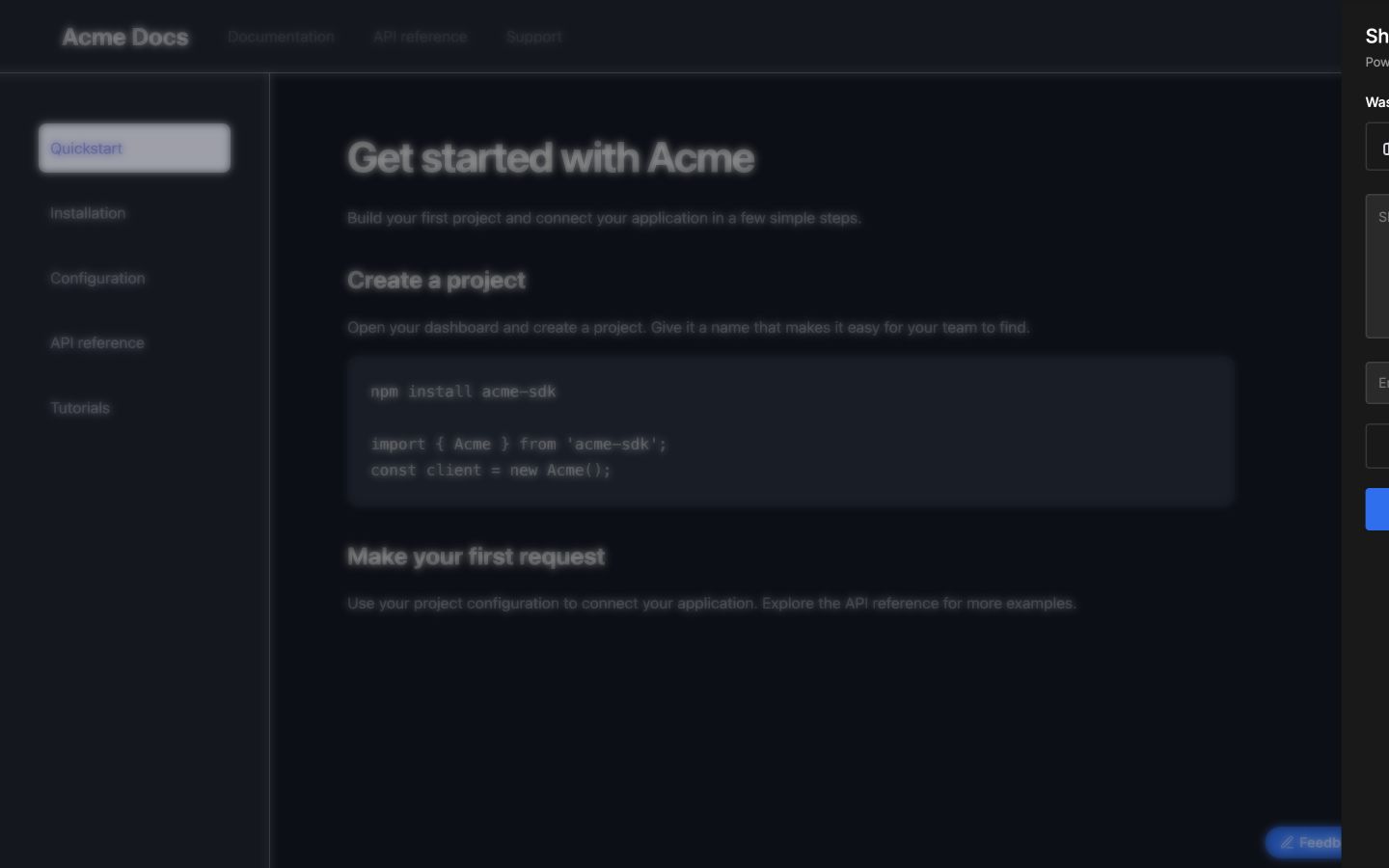
Dark mode
The feedback widget uses its dark palette when your site sets data-theme="dark" on <html>. If your framework uses another class or theme attribute, synchronize it with data-theme.
How to enable the dark mode
To activate dark mode, add a data-theme attribute to your site's <html> tag.
<html data-theme="dark">
<!-- Your existing HTML content -->
</html>
This change signals PushFeedback to switch to its dark theme.
Example