Trello integration
Create a Trello card from feedback in the list you choose.
Trello is available on the Professional and Unlimited plans.
Before you start
You need a PushFeedback project and a team Administrator role.
- Create an API key and token by following Trello's API authorization guide. Authorize access to the destination board.
- Use Trello's
GET /1/boards/{board_id}/listsendpoint and copy theidfor the destination list. See Trello's nested resources guide. - If you add optional labels or members, retrieve them from the board with the Trello Boards API and copy the matching IDs.
- Credentials are encrypted at rest and are never displayed again.
Configure Trello
-
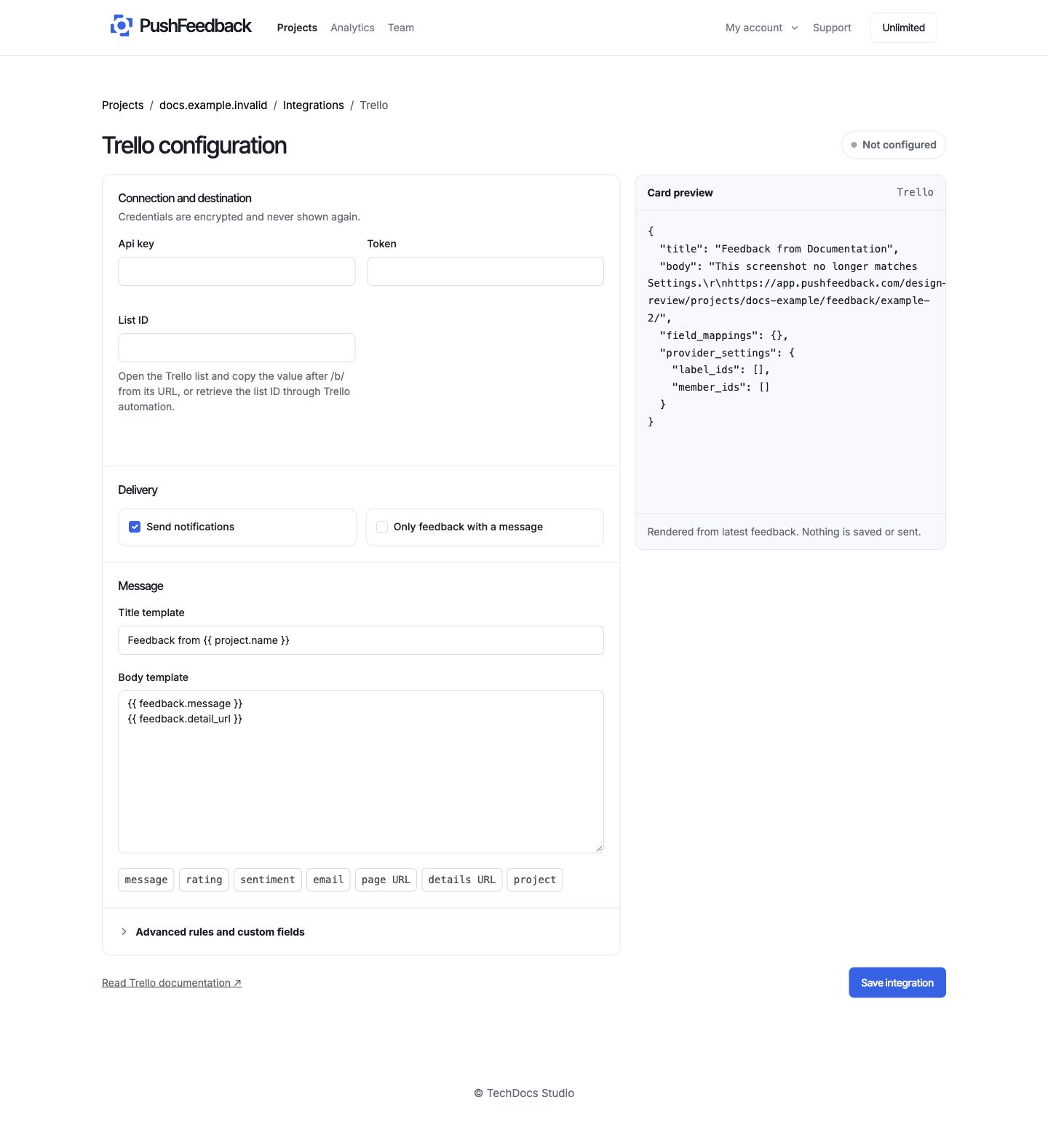
In the PushFeedback dashboard, open your project, then Settings > Integrations > Trello.
-
In 01 Connection and destination, enter the API key, token, and destination list ID.
-
In 02 Delivery controls, keep Enabled selected or pause delivery without losing the configuration. Select Require a message to skip rating-only feedback.
-
In 03 Message recipe, define the card title and body with supported feedback and project variables.
-
Under Advanced rules and custom fields, add optional label IDs, member IDs, delivery rules, and field mappings.
-
Save the integration, then select Test connection. It reads boards and lists only. It never creates a card.
For variables, filters, and JSON examples, see message templates and delivery rules.
Delivery behavior
Only enabled integrations deliver feedback that matches the controls and rules. See delivery troubleshooting if nothing arrives.
Remove Trello
Open the Trello integration settings and select Remove, then confirm Remove integration.